I Tried 6 Pomodoro Apps in 2026. Here's What Actually Helped Me Focus
I love working from home.
One thing that's always been important to me is tracking how much focused work I actually get done.
It's way too easy to lose 20 minutes scrolling Instagram, answer a few messages, grab a coffee, and suddenly wonder where half your day went.
At the end of the day, I always ask myself the same question:
How much work did I really get done?
That's what sent me looking for the perfect Pomodoro timer.
But there was another reason.
As a PhD student, there were times I'd work 12–14 hour days.
I'd finish work completely demolished.
I didn't want to go out with my wife. I had no energy. I'd eat dinner and basically wait until bedtime.
Looking back, it wasn't sustainable.
So I started searching for the best Pomodoro app I could find.
I assumed I'd find one that reminded me when to rest my eyes, drink water, get up and move around, maybe even step outside for a few minutes.
Turns out...
Almost none of them did.
That genuinely shocked me.
One thing I learned while researching all of this is that your body needs different kinds of breaks throughout the day.
For example, every 20 minutes you're supposed to give your eyes a break.
If you've ever listened to Andrew Huberman, you've probably heard him talk about how your eyes are basically an extension of your brain.
So...it's kind of like giving your brain a break too.
You also need movement breaks, hydration, posture changes...and no, walking to the fridge once at lunch doesn't count haha.
If you're working an 8-hour day and finishing completely exhausted every day, something probably isn't right.
So I decided to try six of the most popular Pomodoro timer apps to see what actually helped me focus.
The Apps I Tried
- Pomofocus
- StudyFoc.us
- Flocus
- Study With Me
- Forest
- Focus To-Do
Pomofocus
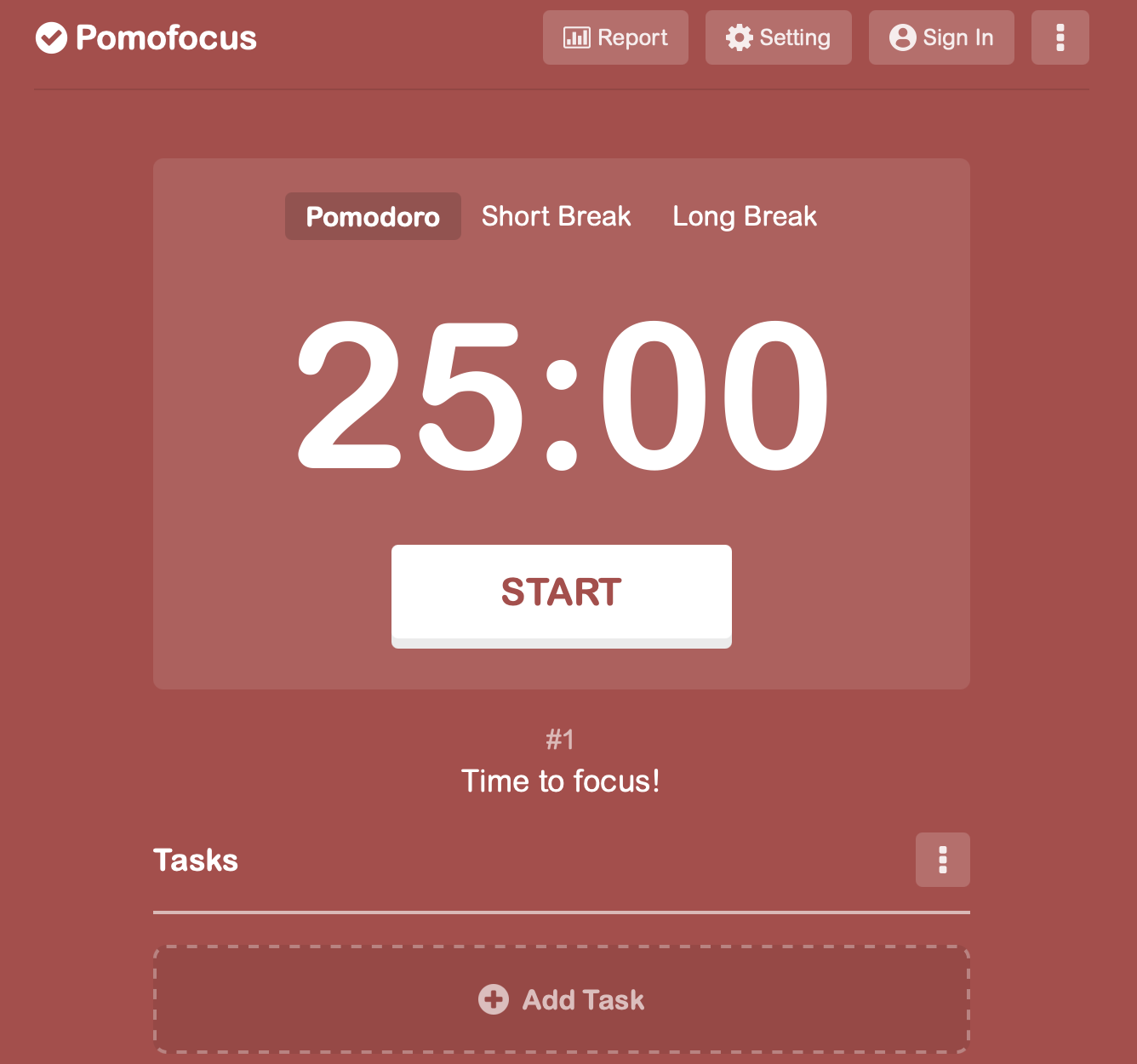
Pomofocus is exactly what it tries to be.
Simple.
Free.
No distractions.
No learning curve.
You open it, start a Pomodoro timer, and get to work.
Honestly, I really liked that.
The task list works well too, although I personally felt it doesn't scale very well.
Once I had more than 3 or 4 tasks, it started feeling a little cramped.
If all you want is a clean, free online Pomodoro timer, it's honestly a great option.
What I liked
- Free
- Extremely simple
- Gets straight to the point
- Reliable
What I didn't
- Task management doesn't scale well
- Very few extra productivity features
StudyFoc.us
Okay...
I absolutely loved this app.
Honestly, it might even be my favorite.
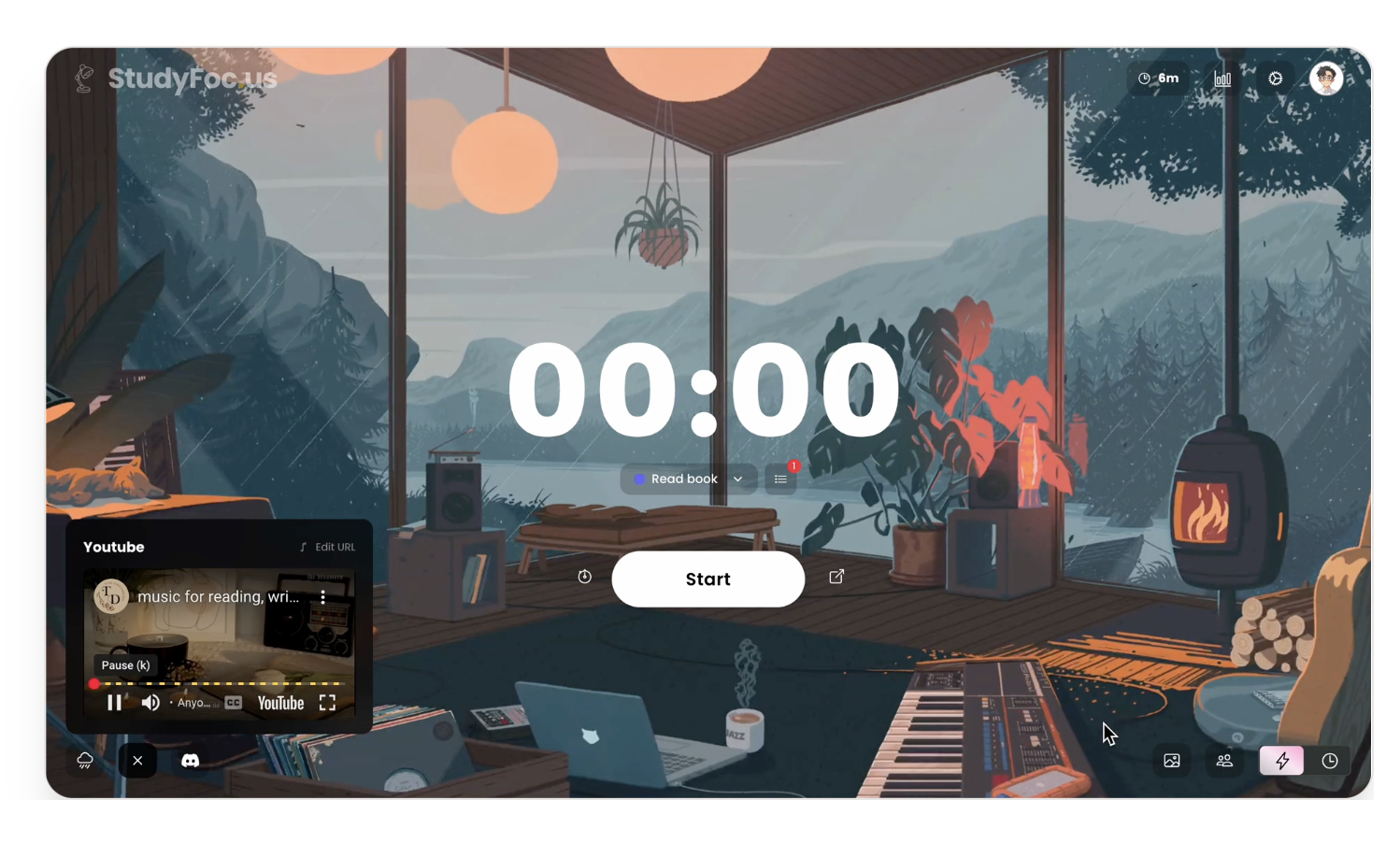
The UI is beautiful.
You can customize backgrounds, play music, use white noise, track tasks, block distracting websites, and even compete on leaderboards.
Everything feels polished.
Nothing feels clunky.
I kept finding myself opening this one because it was just...fun.
The website blocker is honestly one of my favorite features.
I know myself.
If Instagram is one click away, eventually I'm probably clicking it.
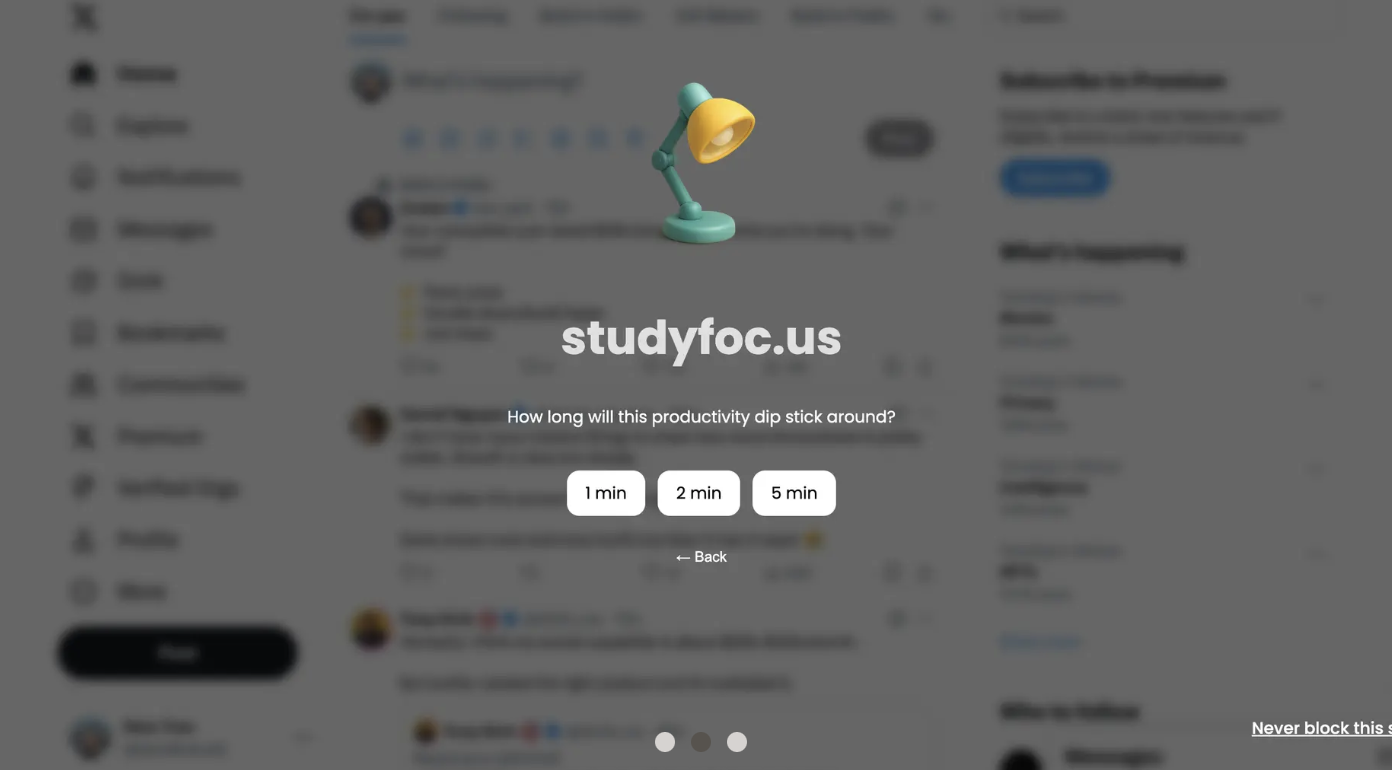
My only real criticism is that it focuses almost entirely on productivity.
There's nothing around taking care of yourself throughout the day.
Still, if someone asked me for the best traditional Pomodoro timer today, this would probably be my recommendation.
What I liked
- Beautiful UI
- Excellent task management
- Music integration
- White noise
- Website blocker
- Leaderboards
- Extremely polished
What I didn't
- No focus on health or energy throughout the day
Flocus
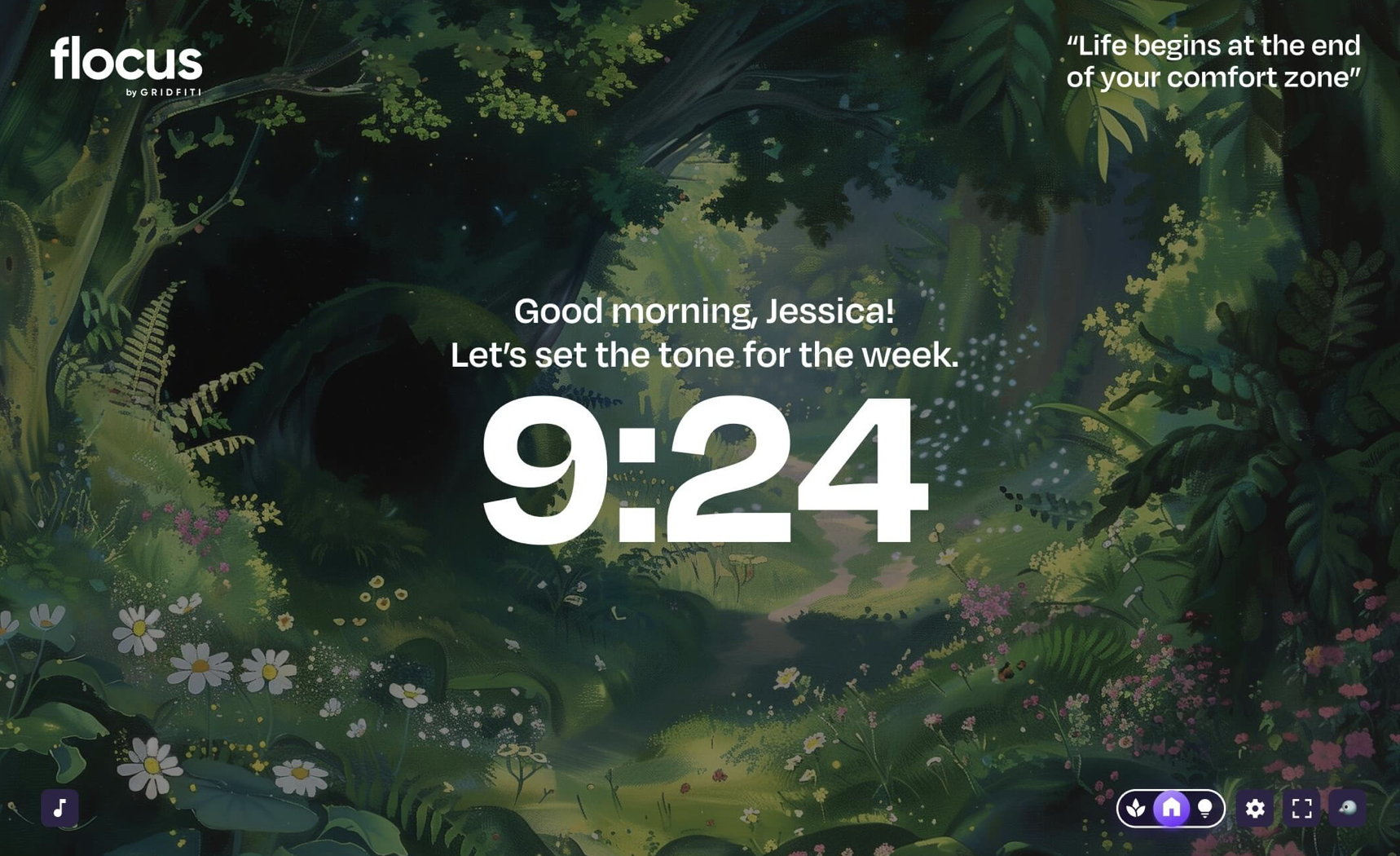
Flocus reminded me a lot of StudyFoc.us.
Feature-wise they're actually very close.
Personally though, I just preferred the design and task management in StudyFoc.us.
One feature I did really like was how it personalizes the experience by using your name throughout the interface.
That was a really nice touch.
The biggest downside for me was pricing.
Around $100 for lifetime access felt pretty steep when there are some really strong free and lower-cost alternatives.
What I liked
- Nice personalization
- Lots of features
- Clean experience
What I didn't
- Expensive
- I preferred StudyFoc.us overall
Study With Me
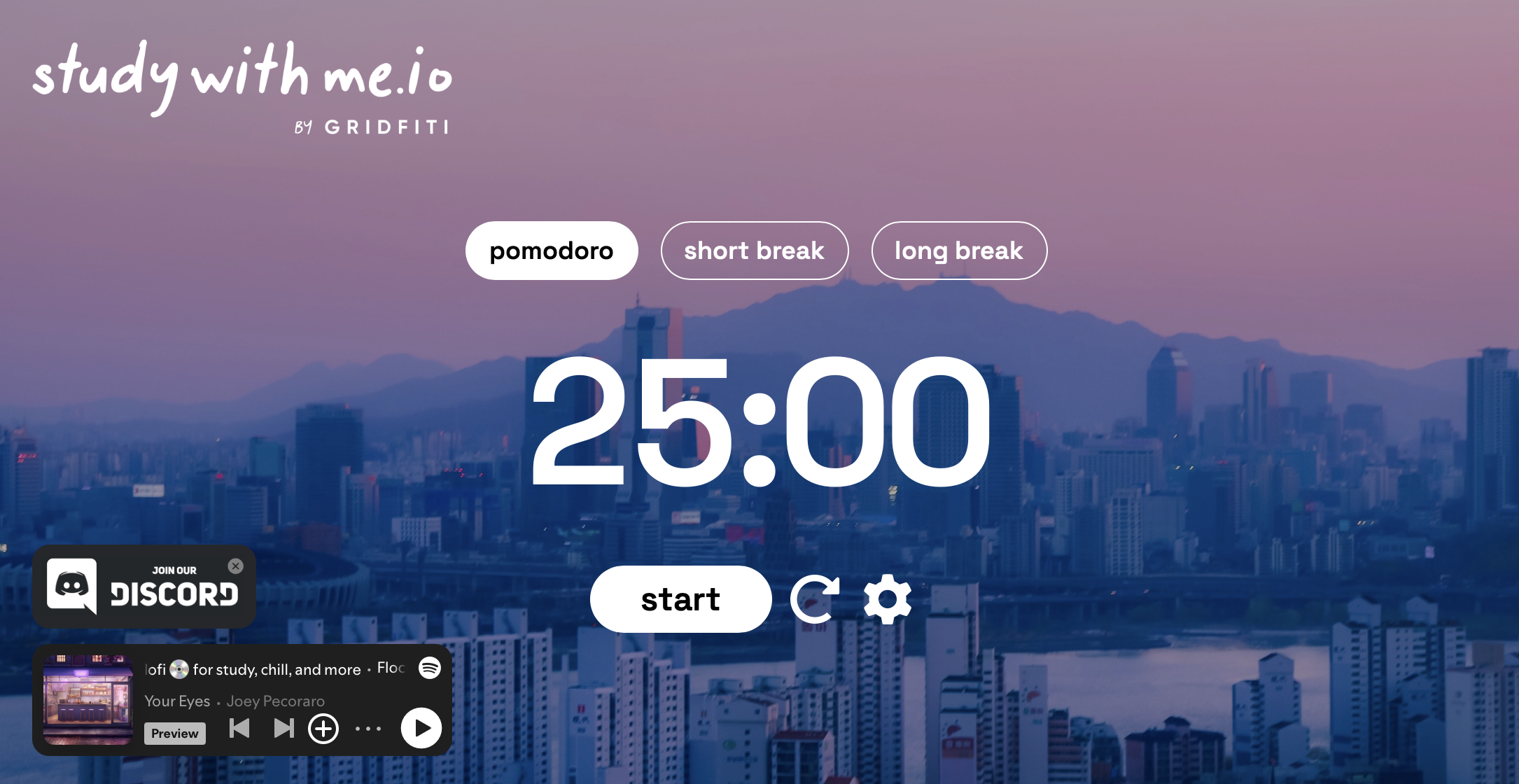
Study With Me surprised me.
It's basically a simpler version of Flocus.
Less features, a little less polished, but honestly still really good.
Everything is straightforward and easy to understand.
The biggest thing?
It's completely free.
I actually found out it's essentially the free version of Flocus, which honestly changed my opinion of both products.
I think it's awesome that they offer something like this for free.
I'd actually love to do something similar with Better Hours someday.
What I liked
- Completely free
- Easy to use
- Straightforward
What I didn't
- Less polished than StudyFoc.us
- Fewer features
Forest
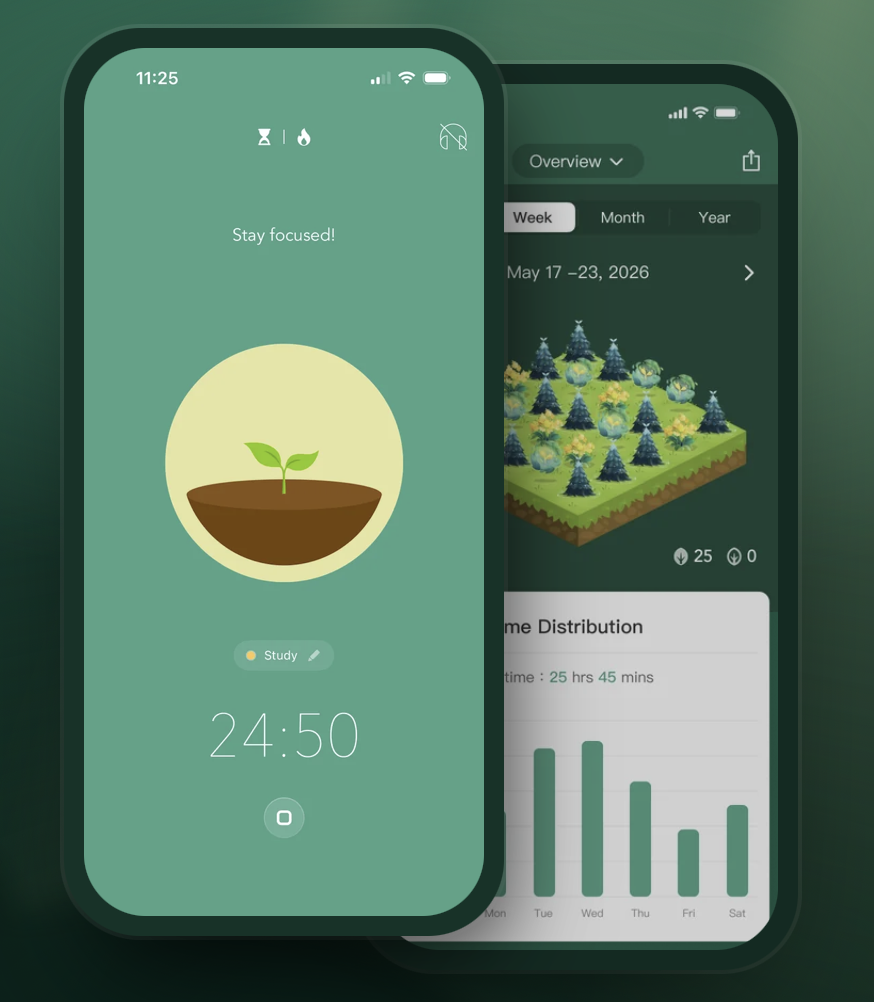
Forest is probably the most fun app I tested.
Instead of feeling like a productivity app, it feels like a game.
You plant trees while you focus.
You earn coins.
You unlock rewards.
You even help fund real tree planting projects.
That's honestly just really cool.
It also includes Study Mode, Work Mode, Digital Detox Mode, distraction blocking, and mobile apps.
The animations are surprisingly high quality too.
If you struggle staying motivated, I can absolutely see why so many people recommend Forest.
What I liked
- Fun gamification
- Mobile apps
- Digital detox mode
- Great animations
- Plants real trees
- Free version
What I didn't
- Less appealing if you just want something minimal
Focus To-Do
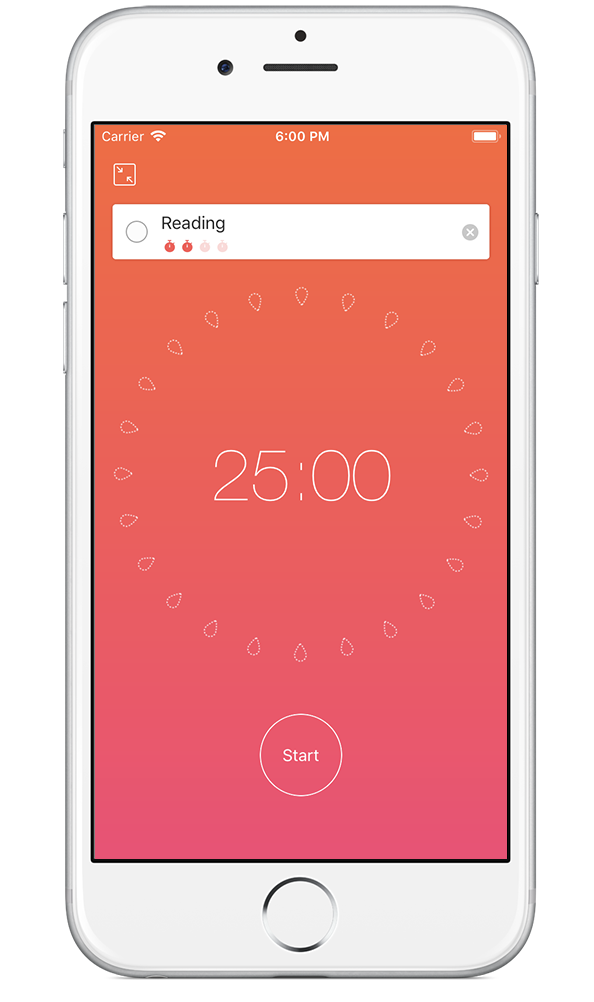
This was probably my least favorite.
I don't necessarily think it's a bad app.
It just feels...older.
The homepage didn't really make me excited to download it, and after using it, I still wasn't convinced.
The UI wasn't for me and nothing really stood out compared to the other Pomodoro timer apps I tried.
Personally, I wouldn't use it again.
What I liked
- Combines tasks and a Pomodoro timer
What I didn't
- Dated UI
- Didn't stand out
- Wouldn't personally use it again
What Surprised Me
Every app on this list helped me stay focused.
Seriously.
If your goal is simply to reduce distractions and use a Pomodoro timer, there are some fantastic options.
But something surprised me.
Almost every app focused on productivity.
Very few focused on your health.
There were timers.
Task lists.
Website blockers.
Leaderboards.
Statistics.
But almost nothing reminding me to rest my eyes.
Almost nothing reminding me to get up and move.
Almost nothing reminding me to drink water.
Almost nothing helping me finish the day with energy instead of feeling completely wiped out.
That became way more important to me than another productivity graph.
Why I Still Use Better Hours
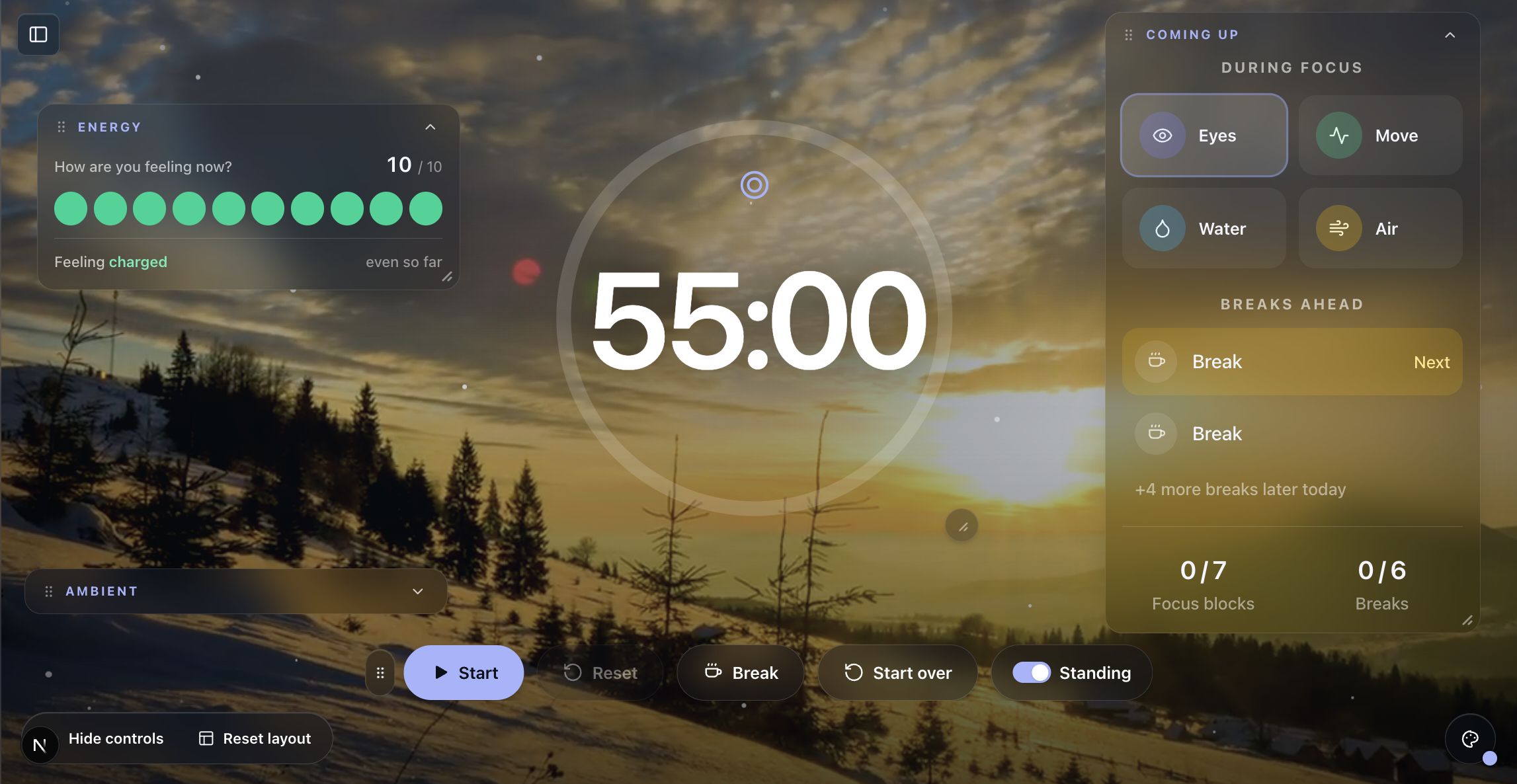
After trying all six apps, I realized I wasn't actually looking for another timer.
I was looking for a way to feel better after working all day.
That's why I still use Better Hours.
Yes, it has a Pomodoro timer.
But honestly, that's not the feature I care about most.
The things I use every single day are the health reminders.
Every 20 minutes it reminds me to rest my eyes.
Throughout the day it reminds me to move around, drink some water, and take the right kind of break at the right time.
I also really like being able to track my energy.
Instead of only knowing how many Pomodoro sessions I completed, I can actually see how I felt throughout the day.
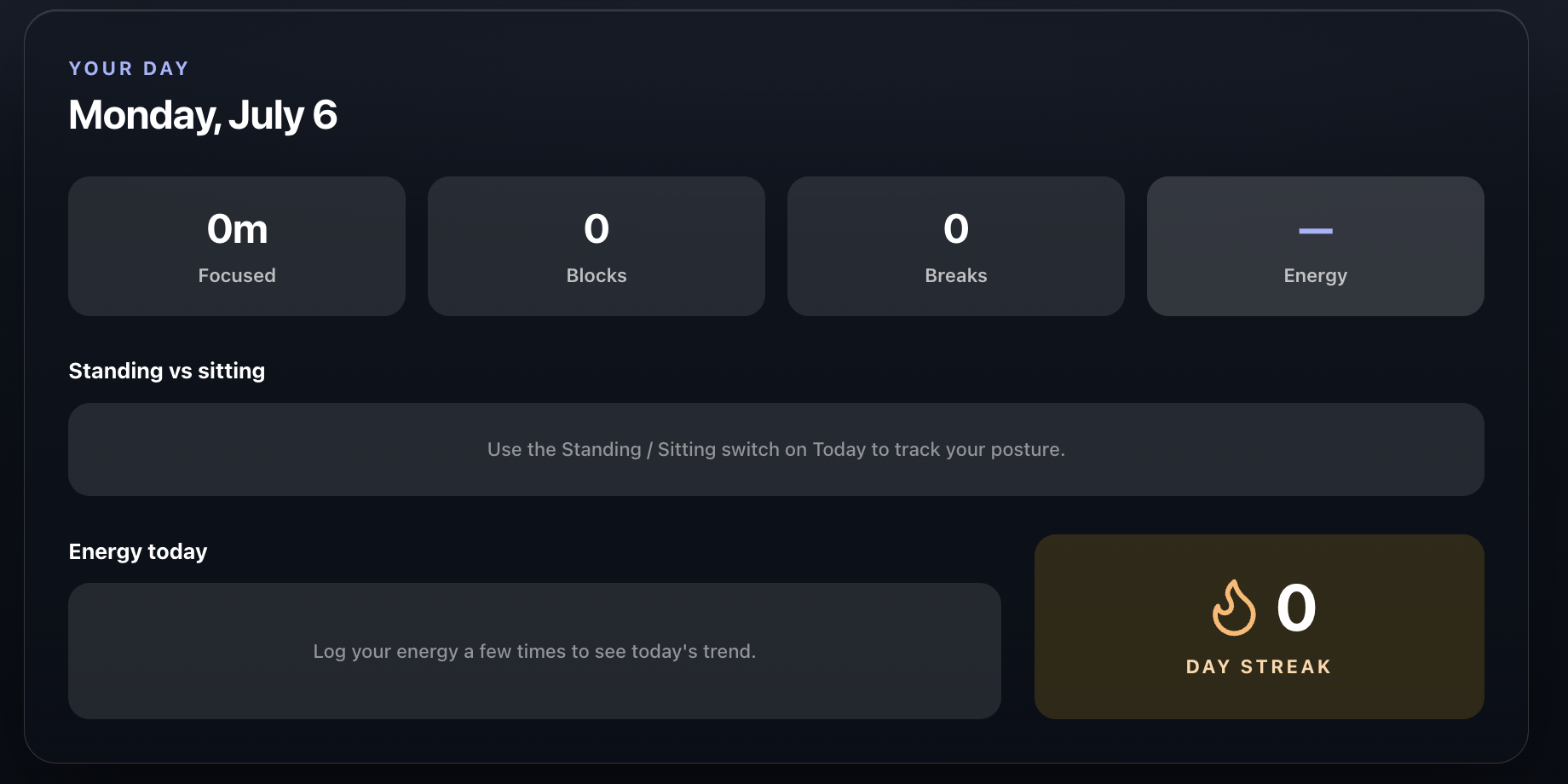
Over time I can see my average energy, weekly trends, and whether my work habits are actually improving.
It also keeps track of how many focused hours I've worked in total, my session history, and other productivity statistics.
For me, productivity isn't just about working longer.
It's about finishing work and still having enough energy to enjoy the rest of my day.
Ironically, the more I started taking care of myself while working...
The easier it became to stay focused.
Instead of constantly fighting distractions, I simply had more energy.
That ended up being the missing piece.
And ironically...
Focusing a little less on productivity made me more productive.